Skip to content
View in the app

A better way to browse. Learn more.

АнимеФорум

A full-screen app on your home screen with push notifications, badges and more.

To install this app on iOS and iPadOS
  1. Tap the Share icon in Safari
  2. Scroll the menu and tap Add to Home Screen.
  3. Tap Add in the top-right corner.
To install this app on Android
  1. Tap the 3-dot menu (⋮) in the top-right corner of the browser.
  2. Tap Add to Home screen or Install app.
  3. Confirm by tapping Install.

Подборка AI мемасов

(0 reviews)

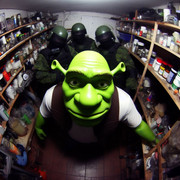
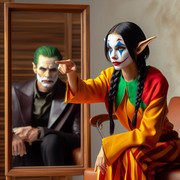
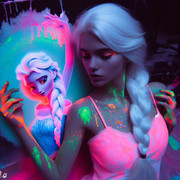
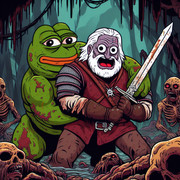
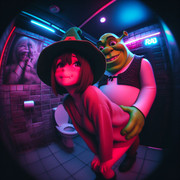
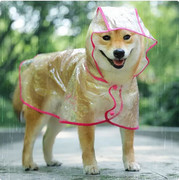
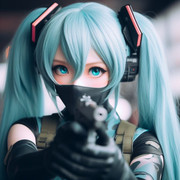
Периодично мониторю всякие треды посвященные Ai генерации картинок, и собираю небольшую коллекцию приглянувшихся приколов.

Небольшая подборка лулзов:

 

16977008335843.jpg 16983307400310.jpg

16987353018912.jpg 16988779358790.jpg

16992922378373.jpg 17003896387340.jpg

17014605406262.jpg 17033590707130.jpg

17034417830920.jpg 17049023189930.jpg

17069047159382.jpg 17070514172012.jpg

17070824079261.jpg 234243.jpg

hatsune-miku-vocaloid-generated-by-patch image.jpg


0 Comments

Recommended Comments

There are no comments to display.

Guest
Add a comment...

Account

Navigation

Search

Search

Configure browser push notifications

Chrome (Android)
  1. Tap the lock icon next to the address bar.
  2. Tap Permissions → Notifications.
  3. Adjust your preference.
Chrome (Desktop)
  1. Click the padlock icon in the address bar.
  2. Select Site settings.
  3. Find Notifications and adjust your preference.