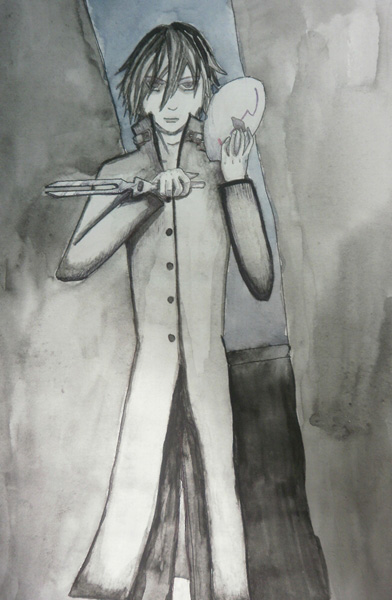
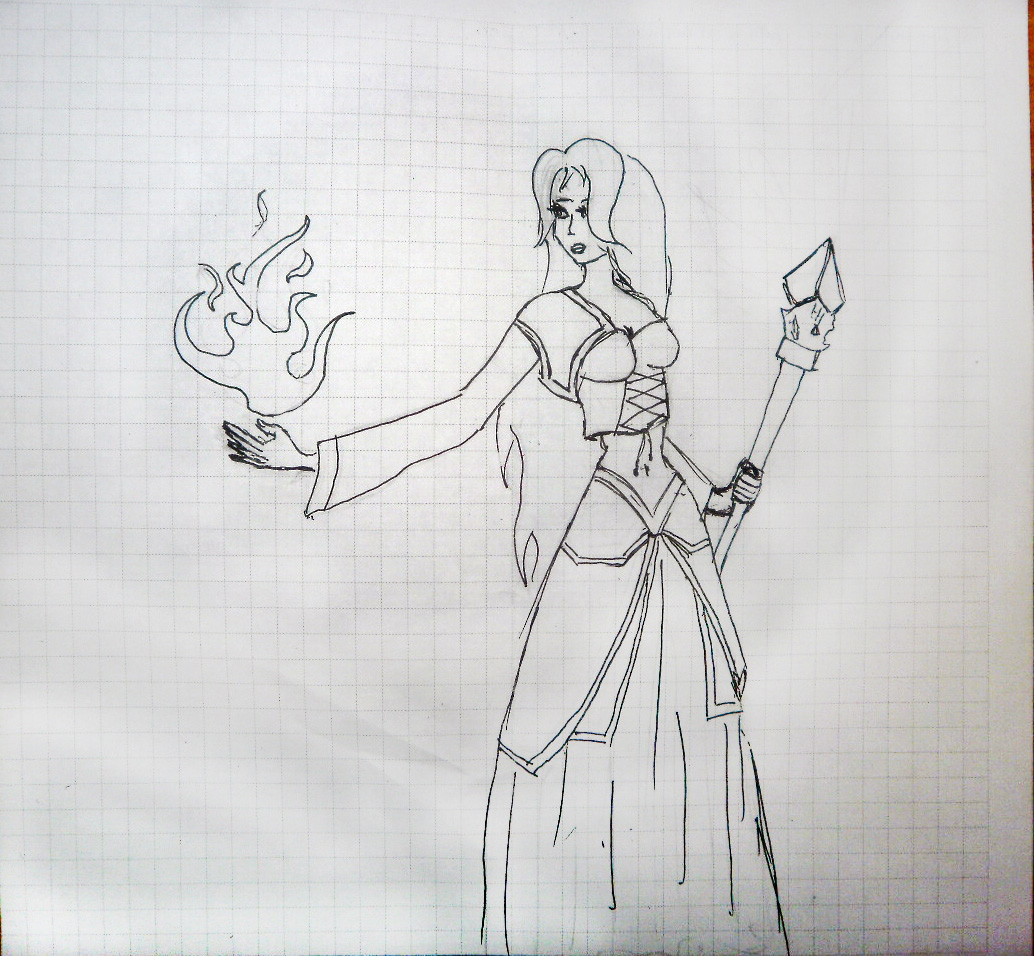
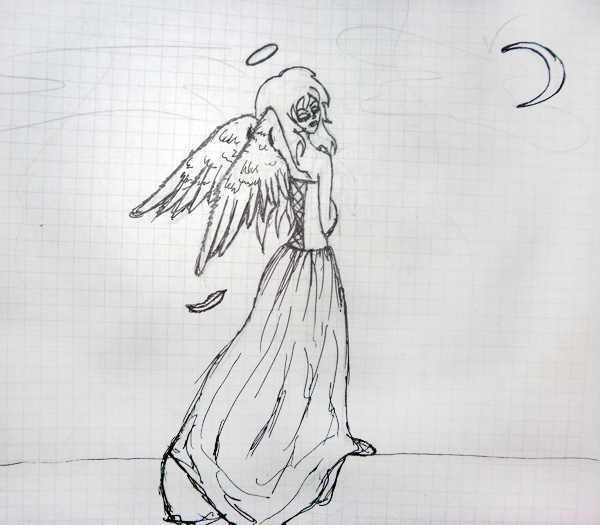
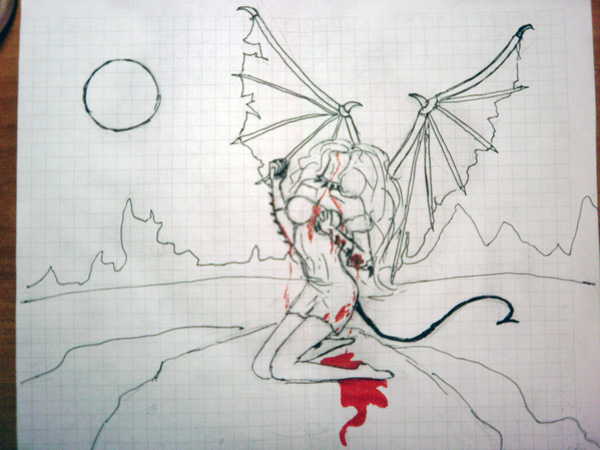
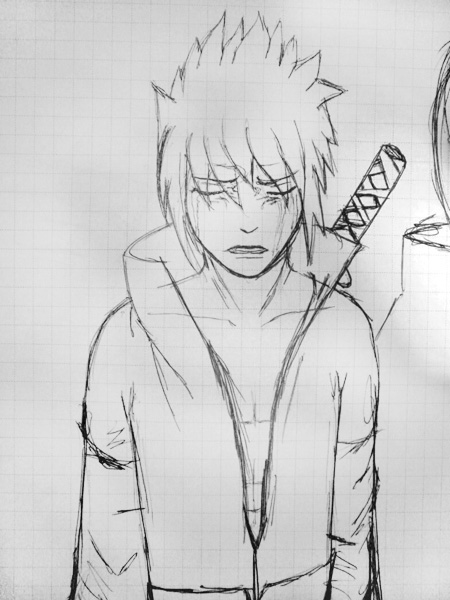
April 15, 201115 yr comment_2654529 последний волк(и) очень порадовал)) Давай еще) mush647.deviantart.com - My Deviant^^ Report
April 15, 201115 yr Author comment_2654656 Спасибо, Вот еще http://imglink.ru/show-image.php?id=8fb4602311dc44859e56ff269d7ce4bchttp://imglink.ru/show-image.php?id=c8cbcbc9d6a4f3e60e4c03c8f431684bhttp://imglink.ru/show-image.php?id=e4f6efd5ccb8bdf9fbf697763ac3aba4http://imglink.ru/show-image.php?id=58f80121d4fc79106f59c15380621730http://imglink.ru/show-image.php?id=bbac55f4789eaf8408878e4f90161ffahttp://imglink.ru/show-image.php?id=2dcc320cffa60f2c548ef0bc38068acehttp://imglink.ru/show-image.php?id=8807d4d7ad03a6fe354c0cdf4c27541a Report
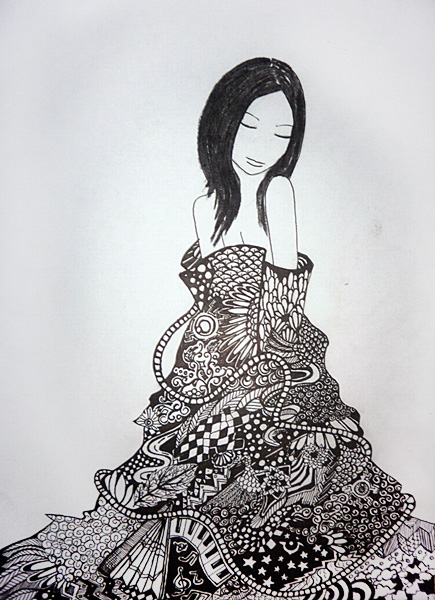
April 18, 201115 yr comment_2655953 Мне понравилась вторая картинка из первого поста. У девушки очень детализированное платье! Интересно это вручную сделано? Report
April 26, 201115 yr comment_2658446 Это здорово! Я себя даже заставить не могу делать такую ювелирную работу! Ты наверно очень терпеливый человек! Такие работы очень ценятся, так что продолжай рисовать в том же духе! Готический стиль тебе очень подойдёт! Report
April 27, 201115 yr Author comment_2658909 Спасибо )) я получаю от рисования удовольствие, и терпение тут ни при чем. Report
April 27, 201115 yr comment_2659001 Ты молодец, раз у тебя такой настрой:-) Я тоже люблю рисовать, но вот терпения мне не хватает. Report