Skip to content
View in the app

A better way to browse. Learn more.

АнимеФорум

A full-screen app on your home screen with push notifications, badges and more.

To install this app on iOS and iPadOS
  1. Tap the Share icon in Safari
  2. Scroll the menu and tap Add to Home Screen.
  3. Tap Add in the top-right corner.
To install this app on Android
  1. Tap the 3-dot menu (⋮) in the top-right corner of the browser.
  2. Tap Add to Home screen or Install app.
  3. Confirm by tapping Install.

Брат'с Арт

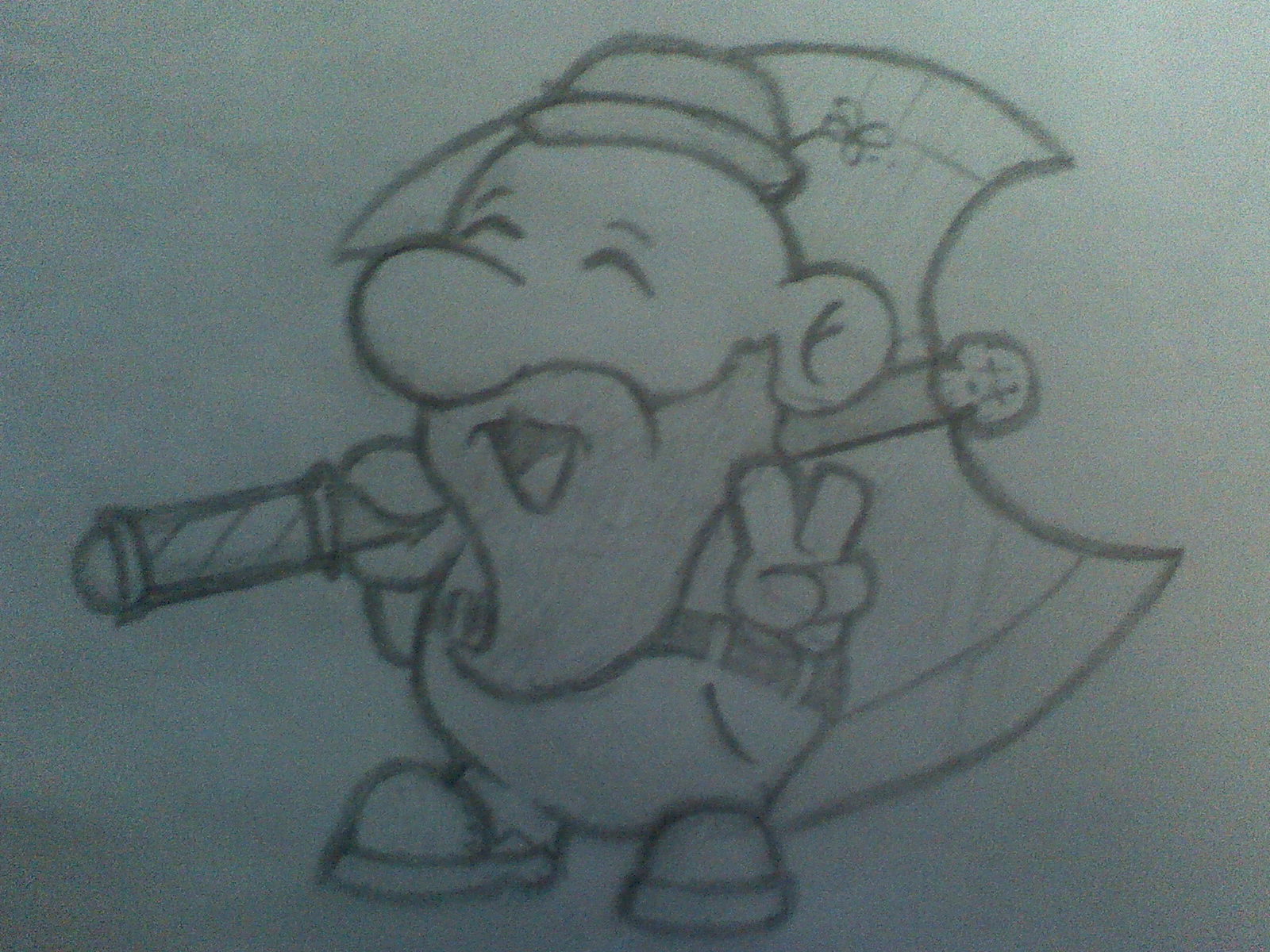
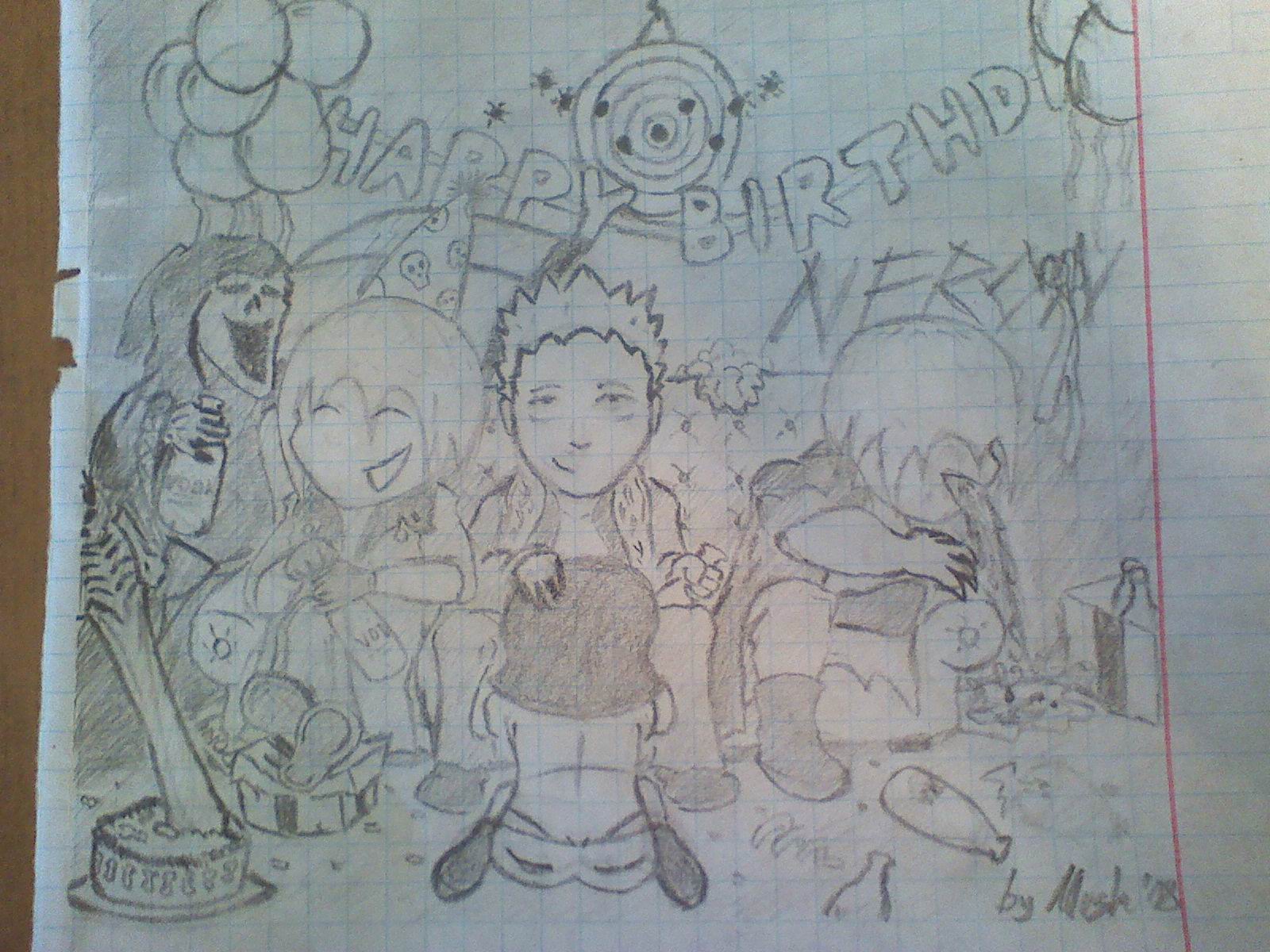
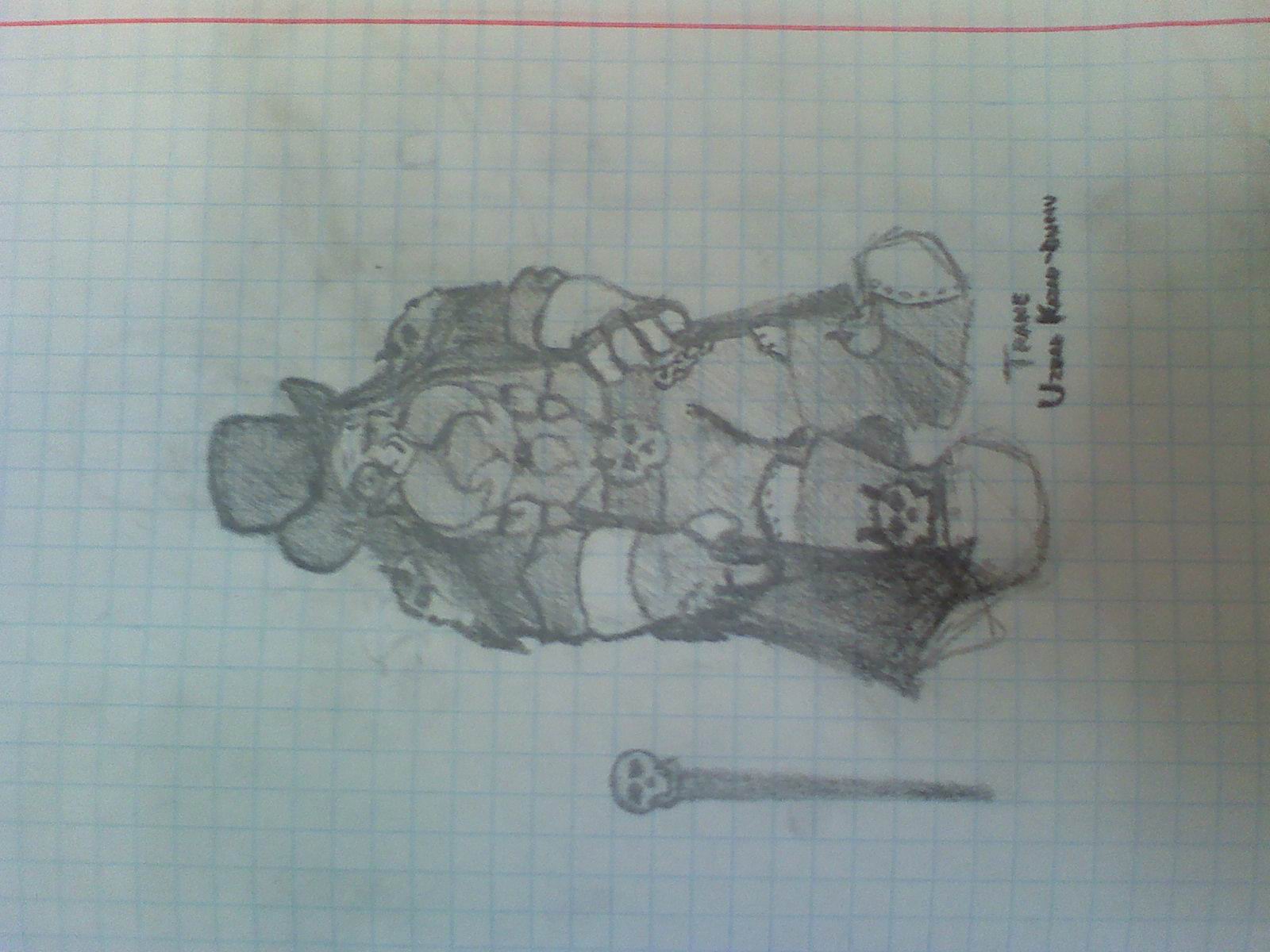
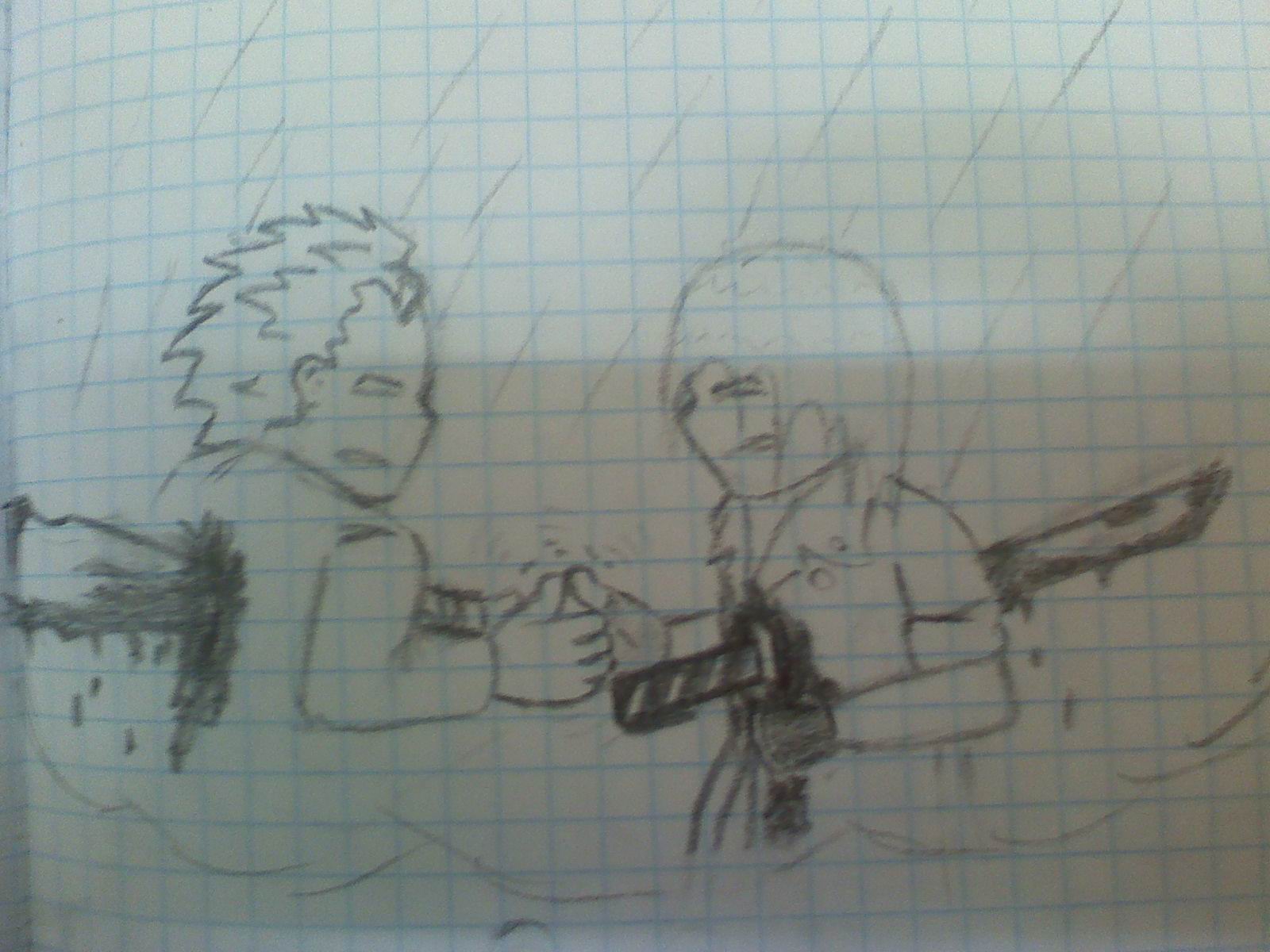
вот немного, тут арт по игре Devil may cry и просто немного арта

post-108040-1214241608_thumb.jpg

post-108040-1214241803_thumb.jpg

post-108040-1214242128_thumb.jpg

post-108040-1214242205_thumb.jpg

Featured Replies

Нормально но у меня 2 замечания:

1.слишком тёмные рисунки! если есть возможность лучше осветляй или просто фоткай...

2.нерисуй на титрадных листиках! лучше бери альбомый или листы для печати (для принтера). Но если у тя проблемы с финансами можешь рисовать и так, но качество нето...

есть ещё 3-е но это чисто для меня - мне такое большое разрешение ненравитя...

В остольном рисунки хорошие...

сила в здравом уме,

сила в осознании своих деяний,

сила в хорошем сне,

сила в отсутствии знаний

Join the conversation

You can post now and register later. If you have an account, sign in now to post with your account.
Note: Your post will require moderator approval before it will be visible.

Guest
Reply to this topic...

Recently Browsing 0

  • No registered users viewing this page.

Important Information

Account

Navigation

Search

Search

Configure browser push notifications

Chrome (Android)
  1. Tap the lock icon next to the address bar.
  2. Tap Permissions → Notifications.
  3. Adjust your preference.
Chrome (Desktop)
  1. Click the padlock icon in the address bar.
  2. Select Site settings.
  3. Find Notifications and adjust your preference.