Jump to content
View in the app

A better way to browse. Learn more.

АнимеФорум

A full-screen app on your home screen with push notifications, badges and more.

To install this app on iOS and iPadOS
  1. Tap the Share icon in Safari
  2. Scroll the menu and tap Add to Home Screen.
  3. Tap Add in the top-right corner.
To install this app on Android
  1. Tap the 3-dot menu (⋮) in the top-right corner of the browser.
  2. Tap Add to Home screen or Install app.
  3. Confirm by tapping Install.
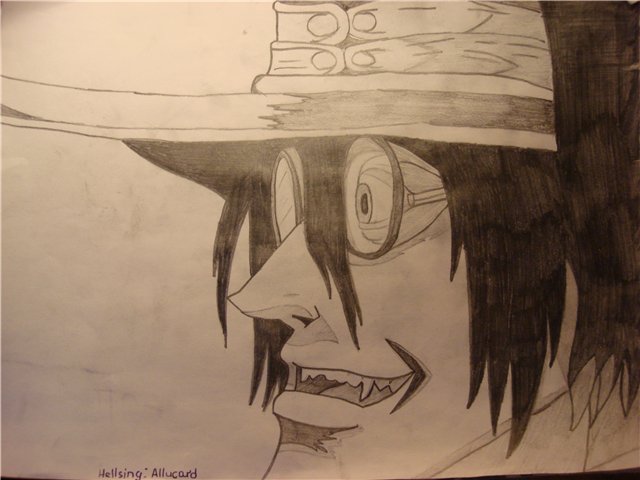
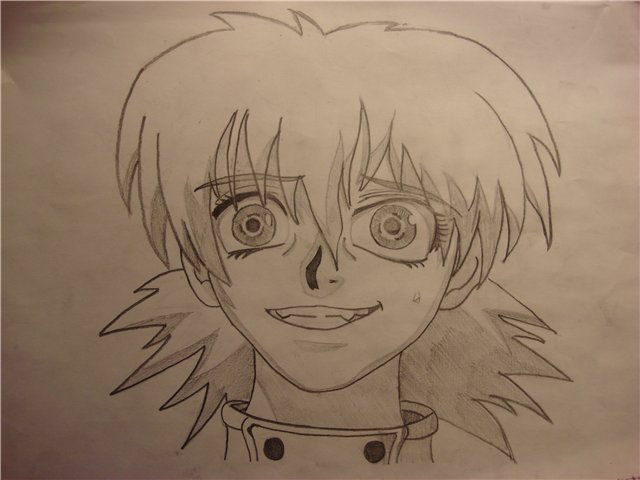
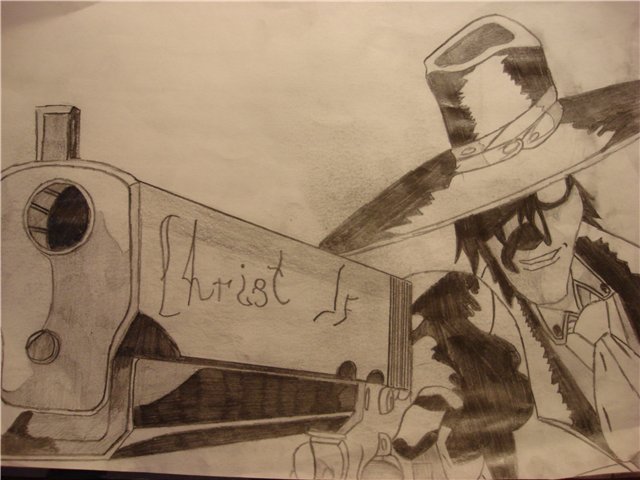
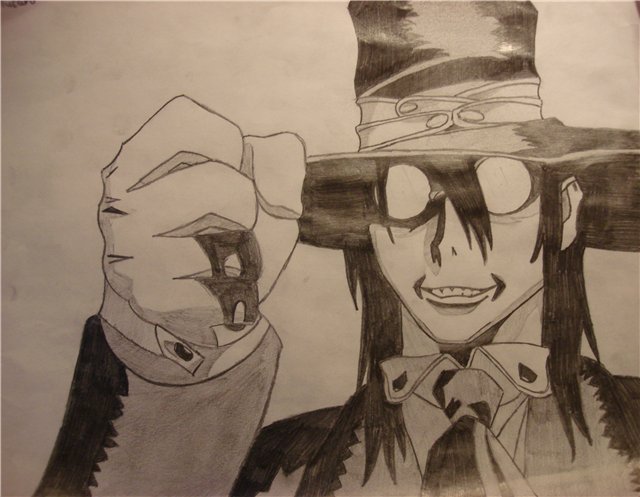
вот тут мои первые рисунки, можт кому поравится, пишите комменты

post-85223-1174128700_thumb.jpg

post-85223-1174128728_thumb.jpg

post-85223-1174128760_thumb.jpg

post-85223-1174128793_thumb.jpg

Featured Replies

Буду краток- третья картинка - кривенько, остальные гуд. Но по срисовкам трудно судить об уровне мастерства. Так что давай выкладывай что-нибудь свое

И было Великое Ничто.И был Ёж.И понял Ёж,что Ничто - плохо.И стало Счастье.

[За живых ежиков]

четвертая работа по моему не доделана.

Приветствую тебя, мой милый друХ, на форуме!))


Про картинки сам всё знаешь, в живую, правда, смотрятся лучше... гомен(

(исправить, нэ?))

А вообще мне первая нравиццо больше всех^^

Edited by Kawainaya (see edit history)

-Sleepless-

[j-rock team]

Join the conversation

You can post now and register later. If you have an account, sign in now to post with your account.
Note: Your post will require moderator approval before it will be visible.

Guest
Reply to this topic...

Recently Browsing 0

  • No registered users viewing this page.

Important Information

Configure browser push notifications

Chrome (Android)
  1. Tap the lock icon next to the address bar.
  2. Tap Permissions → Notifications.
  3. Adjust your preference.
Chrome (Desktop)
  1. Click the padlock icon in the address bar.
  2. Select Site settings.
  3. Find Notifications and adjust your preference.