Skip to content
View in the app

A better way to browse. Learn more.

АнимеФорум

A full-screen app on your home screen with push notifications, badges and more.

To install this app on iOS and iPadOS
  1. Tap the Share icon in Safari
  2. Scroll the menu and tap Add to Home Screen.
  3. Tap Add in the top-right corner.
To install this app on Android
  1. Tap the 3-dot menu (⋮) in the top-right corner of the browser.
  2. Tap Add to Home screen or Install app.
  3. Confirm by tapping Install.

.......

(0 reviews)

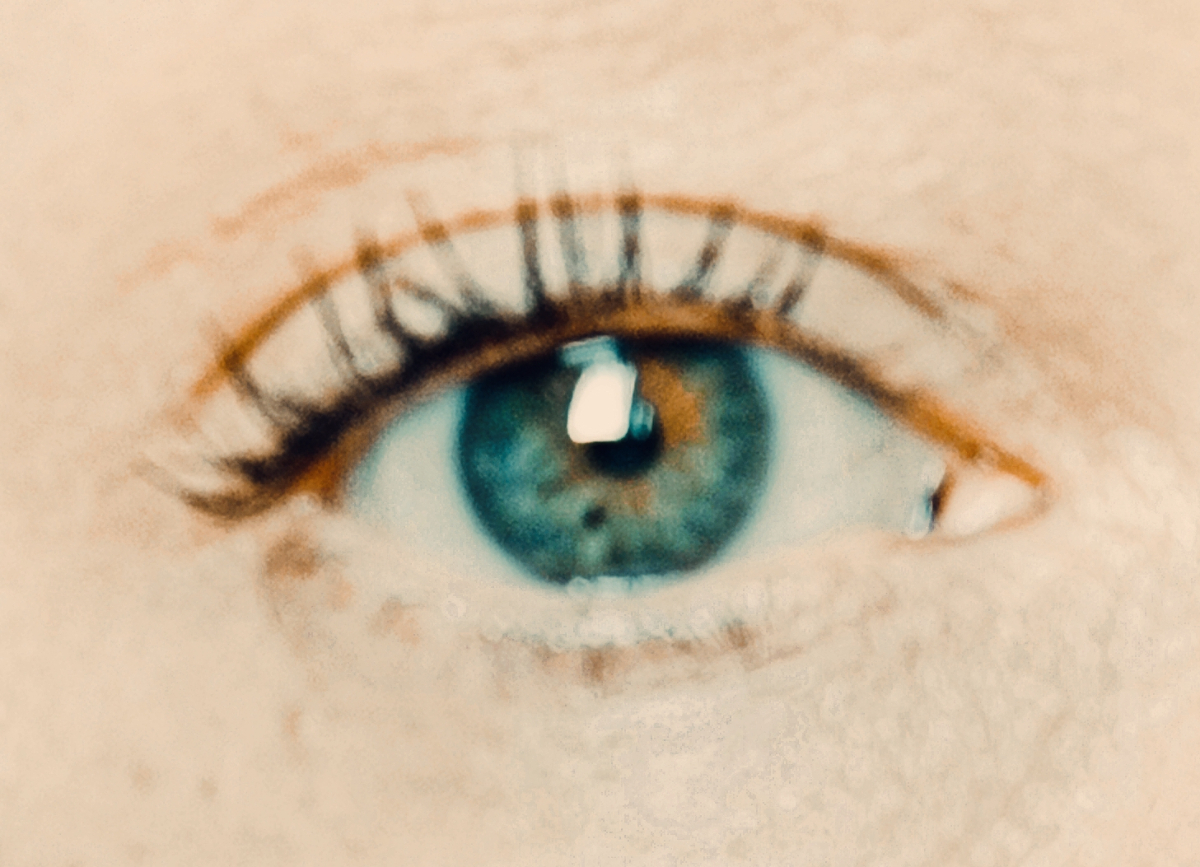
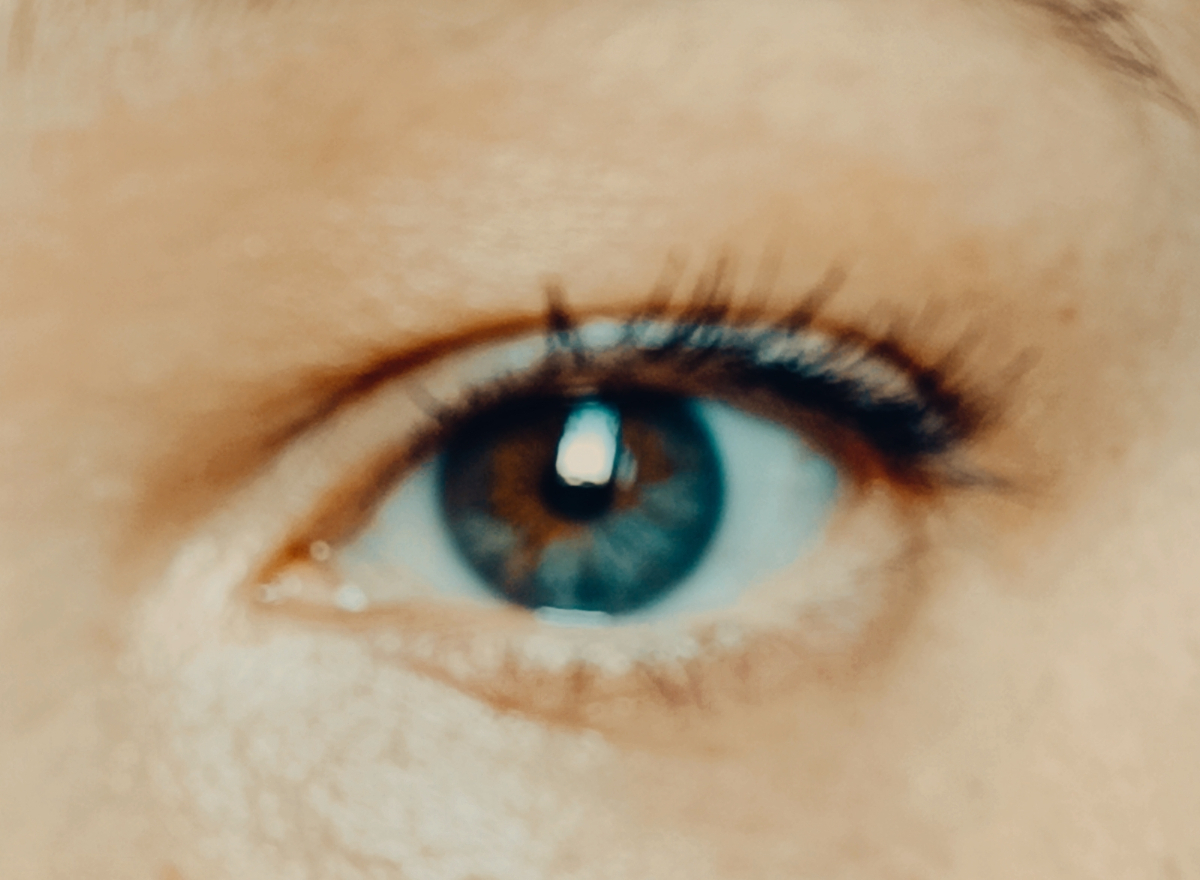
В этом году всё как-то иначе... Всё плотнее и скрученнее... Ткань мира истерлась ....... Я не знала, что можно сменить цвет глаз и видеть мир и людей иначе... Совсем иначе. 

IMG_20250711_182922.thumb.jpg.77f48d2c4e964bca58c48d353ba98623.jpg

IMG_20250711_181637.thumb.jpg.f61dbfe3c42b10dbd5638f40f7d74516.jpg

0 Comments

Recommended Comments

There are no comments to display.

Guest
Add a comment...

Important Information

Account

Navigation

Search

Search

Configure browser push notifications

Chrome (Android)
  1. Tap the lock icon next to the address bar.
  2. Tap Permissions → Notifications.
  3. Adjust your preference.
Chrome (Desktop)
  1. Click the padlock icon in the address bar.
  2. Select Site settings.
  3. Find Notifications and adjust your preference.