Skip to content
View in the app

A better way to browse. Learn more.

АнимеФорум

A full-screen app on your home screen with push notifications, badges and more.

To install this app on iOS and iPadOS
  1. Tap the Share icon in Safari
  2. Scroll the menu and tap Add to Home Screen.
  3. Tap Add in the top-right corner.
To install this app on Android
  1. Tap the 3-dot menu (⋮) in the top-right corner of the browser.
  2. Tap Add to Home screen or Install app.
  3. Confirm by tapping Install.

Магия

(0 reviews)

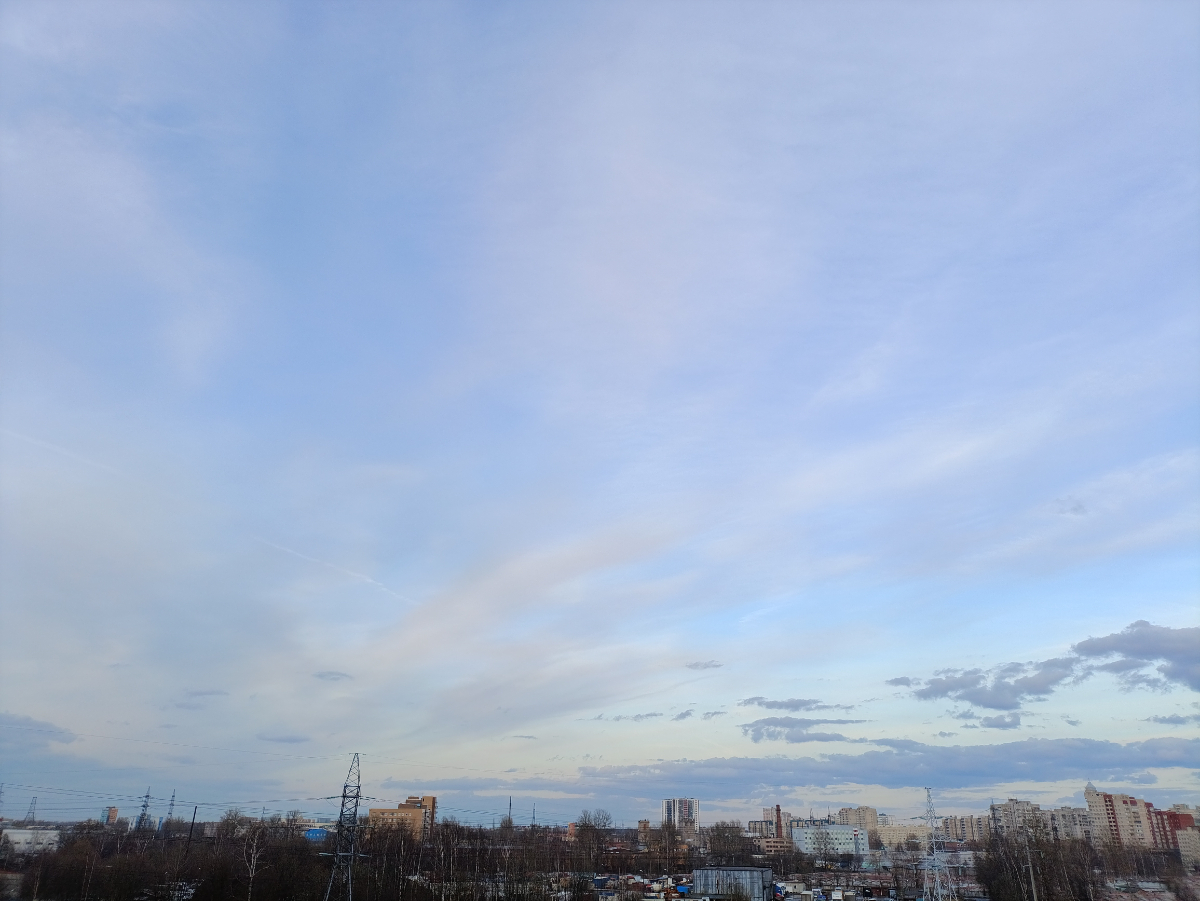
У женщин нашей семьи есть одна очень неприятная (комукак) магическая способность... Когда мы моем окна, то начинаются ливни... Поэтому, чтобы не портить людям выходные, Я решила помыть одно окно из четырёх... Вроде пронесло)IMG_20250330_183825.thumb.jpg.50c6e3c2fc01fc69aae5214c78cce4a3.jpgIMG_20250330_170519.thumb.jpg.236623ef0d4f01867547f863b7cf9541.jpg

IMG_20250330_154747.thumb.jpg.0f35f4f9f772848b3e634fcfb3aeead0.jpgIMG_20250330_170516.thumb.jpg.5b02dddefea6013cd323b2e5dbbf1912.jpg

2 Comments

Recommended Comments

moonlidan

Активные участники

Спасибо, я как раз сегодня мою все окна в квартире ))

Guest
Add a comment...

Account

Navigation

Search

Search

Configure browser push notifications

Chrome (Android)
  1. Tap the lock icon next to the address bar.
  2. Tap Permissions → Notifications.
  3. Adjust your preference.
Chrome (Desktop)
  1. Click the padlock icon in the address bar.
  2. Select Site settings.
  3. Find Notifications and adjust your preference.